Products / Read Mail
Read Mail
Ask your mailbox a question. Read Mail indexes years of mail on your own computer and docks an assistant next to your inbox, inside Thunderbird. Which invoices are still unpaid? What did that forty-message thread actually decide? File the newsletters. It answers from your mail, and your mail stays where it is.
Where it runs
On your own computer, as an extension for Thunderbird. Works with Gmail and Yahoo Mail accounts over IMAP.
What stays where
The index and the messages stay on your machine. There is no Counterfactual server in the loop: the assistant runs through the AI subscription you already have.
Status
Early. We use it daily ourselves; it is not yet packaged for everyone. Write to us if you want to try it.
What it does
An archive you can query
Read Mail syncs your mail headers, then the full text and attachments, into a local database. Thousands of messages become something you can ask questions of: by sender, by date, by what was said — instantly, offline.
A panel inside your mail client
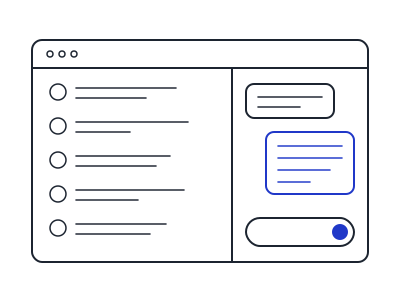
A button in Thunderbird opens a conversation panel docked to the right of your mail. Any message has an “ask about this one” button that drops it into the conversation as context. You keep reading mail the way you always have; the assistant sits beside it.
Cross-checking, not just searching
The useful questions are the ones that span many messages: which of these renewal notices were actually paid, what a supplier quoted last year versus this year, which threads are waiting on you. Read Mail reads across them and answers with the messages it used, so you can check.
Tidying
Ask it to label, move or archive in bulk — every change is queued and shown to you before it runs.
Your mail and your data
Nothing about your mail is sent to us; we do not run a server for this product. When you ask a question, the messages needed to answer it go to the AI model you have configured, under that provider's terms. Details in the Privacy Policy.
Questions
Write to [email protected]. More on the support page.